
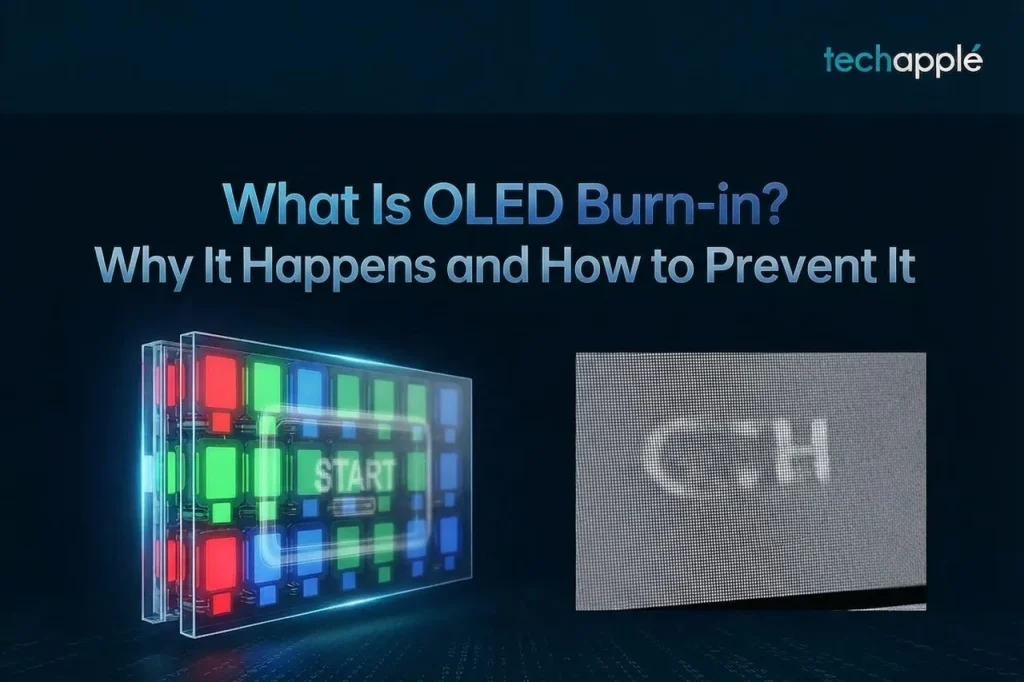
What Is OLED Burn-in? Why It Happens and How to Prevent It
OLED displays deliver vivid colors and deep contrast, which is why they dominate phones and TVs today. But the “burn-in” issue keeps many buyers cautious. What exactly is burn-in, why does it happen, and how can you prevent it? This article explains the whole picture.
What is burn-in?
Burn-in is a visible ghost image left in one area of the screen after it displays the same static content for a long time. The most common examples are a phone’s navigation bar or status icons, or a TV channel logo that stays on screen for hours. After switching to other content, the outline of the old image remains faintly visible.
Why do OLED screens burn in but LCD screens do not?
The reason comes down to how OLED works. Every pixel in an OLED panel is an independently lit organic material, and different colors age at different rates, with blue pixels degrading fastest. When a fixed image stays on screen, those pixels keep working at high brightness and their emissive material wears out faster than the rest of the panel. The result is a brightness difference, which the eye reads as a ghost image. Traditional LCDs light the whole panel with a backlight and the pixels do not emit light themselves, so they do not have the same problem.
What situations cause burn-in most easily?
High brightness, long durations, and static content are the three ingredients. For phones, the typical risks include long sessions in one game with a fixed interface, using the same navigation app all day, and watermark positions on streaming services. For TVs, news channel logos and game HUDs (health bars, maps) are the high-risk elements. Burn-in is cumulative; it may not appear immediately but becomes more visible over time.
How to prevent burn-in
Lowering screen brightness is the most direct measure, since brighter pixels age faster. Enable auto-brightness and auto-sleep so static content does not stay on screen for long. On phones, dark mode reduces the load on white areas, and the screen timeout setting helps. On TVs, hiding static logos, varying the content you watch, and using screen savers all make a difference. Many newer OLED TVs include burn-in protection features such as pixel shifting and brightness limiting, which are worth keeping enabled.
Can burn-in be fixed after it appears?
Mild burn-in can sometimes be reduced with a pixel refresh feature, which OLED TVs and some phones offer by driving all pixels evenly to even out wear. Severe burn-in, however, is permanent physical damage that software cannot repair, and the panel must be replaced. Prevention matters far more than the cure.
Summary
Burn-in is an inherent trait of OLED technology rather than a defect. With reasonable usage habits, an OLED display can stay in good shape through its normal service life.